R36S games list: which games come pre-installed?
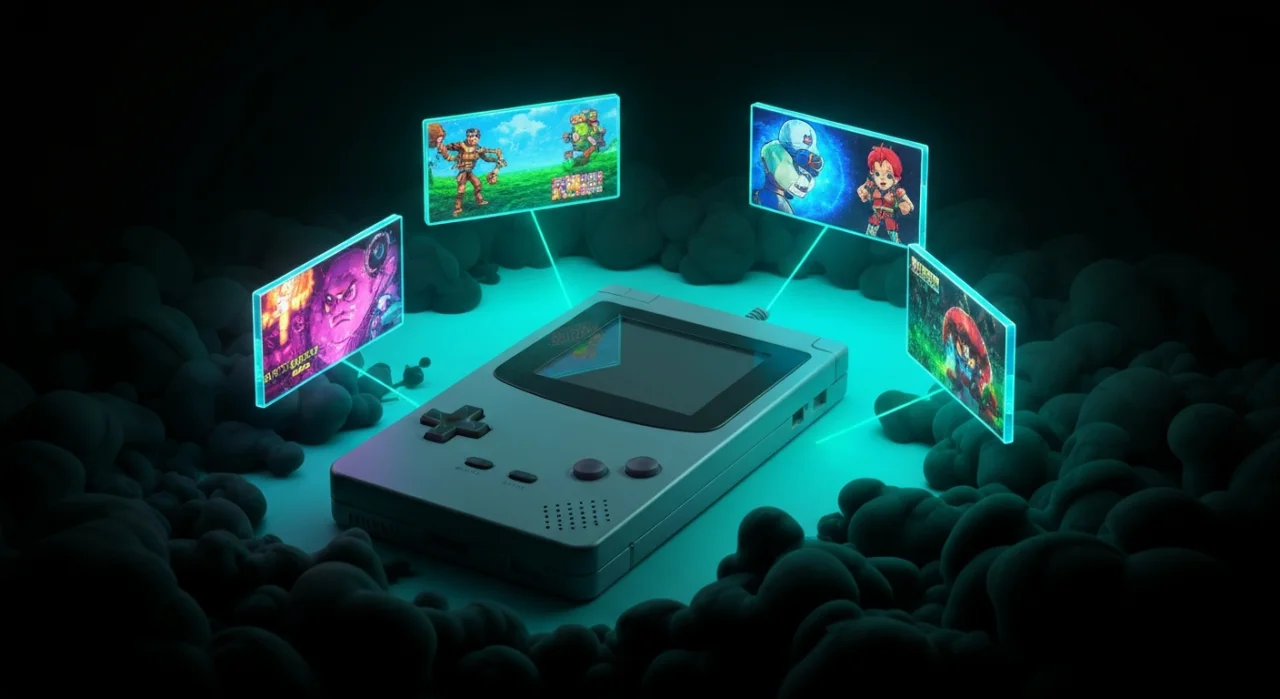
One of the biggest questions people ask before buying an R36S is a simple one: what games actually come on it? The short answer is a lot. The handheld ships with more than 15,000 games pre-installed across dozens of classic systems, so you can switch it on and start playing straight away.
In this guide we break down the pre-installed library by console, highlight the standout titles you can expect on each, and explain how to browse the list once you have the R36S in your hands. Prices start from £59.99, with free tracked UK delivery and 14-day returns.
How many games come pre-installed on the R36S?
The R36S arrives with a microSD card already loaded with over 15,000 games. That figure sounds enormous, and it is, but it helps to understand what it actually means. Rather than 15,000 different franchises, you are getting the combined libraries of a wide range of retro systems, plus regional variations, hacks and homebrew titles that pad the numbers out.
In practice, most people find a few hundred games they genuinely want to play and ignore the rest. The sheer volume is really there so you rarely have to go looking elsewhere. Everything runs on the ArkOS operating system, which keeps titles neatly organised by console on the 3.5-inch IPS display.
Nintendo systems: NES, SNES, Game Boy and GBA
The Nintendo catalogue is where most people spend their time. The 8-bit and 16-bit eras run flawlessly on the R36S, and the handheld libraries are a natural fit for a portable device.
- NES: Super Mario Bros, The Legend of Zelda, Metroid, Mega Man and Castlevania.
- SNES: Super Mario World, A Link to the Past, Super Metroid, Donkey Kong Country and Chrono Trigger.
- Game Boy and Game Boy Colour: Tetris, Pokemon Red and Blue, and Link's Awakening.
- Game Boy Advance: Metroid Fusion, Advance Wars, Golden Sun and Fire Emblem.
The GBA collection in particular shines on the R36S, since the screen aspect ratio suits those games well and performance is smooth across the board.
Sega, PlayStation and PSP
Sega fans are well catered for too. The Mega Drive library covers the era beautifully, and older Master System and Game Gear titles are included for good measure.
- Mega Drive: Sonic the Hedgehog, Streets of Rage 2, Golden Axe, Gunstar Heroes and Shining Force.
- PlayStation 1: Crash Bandicoot, Spyro, Tekken 3, Final Fantasy VII and Metal Gear Solid.
- PSP: a selection of lighter titles that the hardware can handle, though this is the most demanding system on the device.
PS1 games run very well and are a highlight of the R36S. PSP is more of a mixed bag, as the chip inside is capable but not powerful, so 2D and less demanding 3D games work best. It is worth setting your expectations accordingly for that particular system.
Arcade and other classic systems
Beyond the home consoles, the R36S includes a healthy arcade library powered by MAME and FinalBurn cores. This is where you will find the coin-op classics that defined the arcade era.
- Arcade: Street Fighter II, Metal Slug, Pac-Man, The King of Fighters and various beat 'em ups.
- Neo Geo: fighting and run-and-gun titles that hold up brilliantly today.
- Other systems: Atari, PC Engine, Neo Geo Pocket and a scattering of MSX and Amiga titles.
Arcade emulation can be slightly fiddly because different games rely on specific ROM sets, so if a title does not boot it is usually a compatibility quirk rather than a fault with the console.
How to browse the games list on the R36S
Once you switch on the R36S, ArkOS presents a clean menu organised by console. Scroll left and right to move between systems, then press the confirm button to open a system and see its game list. From there you can scroll through titles, mark favourites and jump back to where you left off.
There are a few handy features worth knowing about. You can create a favourites list so your most-played games are always a couple of clicks away, and many builds include box art thumbnails that make browsing far more pleasant than plain text lists. If you want to search for something specific, most systems let you jump by first letter rather than scrolling through thousands of entries one at a time.
Can you add or remove games?
Yes. The games live on a microSD card, so the library is not fixed. If there is a title missing that you want, you can add your own legally owned files to the correct system folder using a computer and a card reader. Equally, if the volume feels overwhelming, you can trim the list down to just the games you care about.
Many owners buy a larger, faster microSD card and rebuild the library to their own taste. The card that ships with the R36S does the job out of the box, but upgrading gives you more room and often improves loading times, especially for the bigger PS1 and PSP games.
Frequently asked questions
Do all 15,000 games actually work?
The vast majority run well, particularly the NES, SNES, Mega Drive, Game Boy and PS1 libraries. A small number of arcade and PSP titles may have compatibility or performance issues due to the hardware, but you will find far more working games than you could ever play.
Can I add my own games to the R36S?
Yes. The games are stored on a microSD card, so you can add your own legally owned files by placing them in the matching system folder using a card reader and a computer. You can also remove titles you do not want.
How much does the R36S cost and how is it delivered?
The R36S starts from £59.99 with the full pre-installed library included. Orders come with free tracked UK delivery and a 14-day returns window, so you can try it and see how the games run for yourself.